


















Design Your First Web Page

Instructor
What Will You Learn?
About This Course
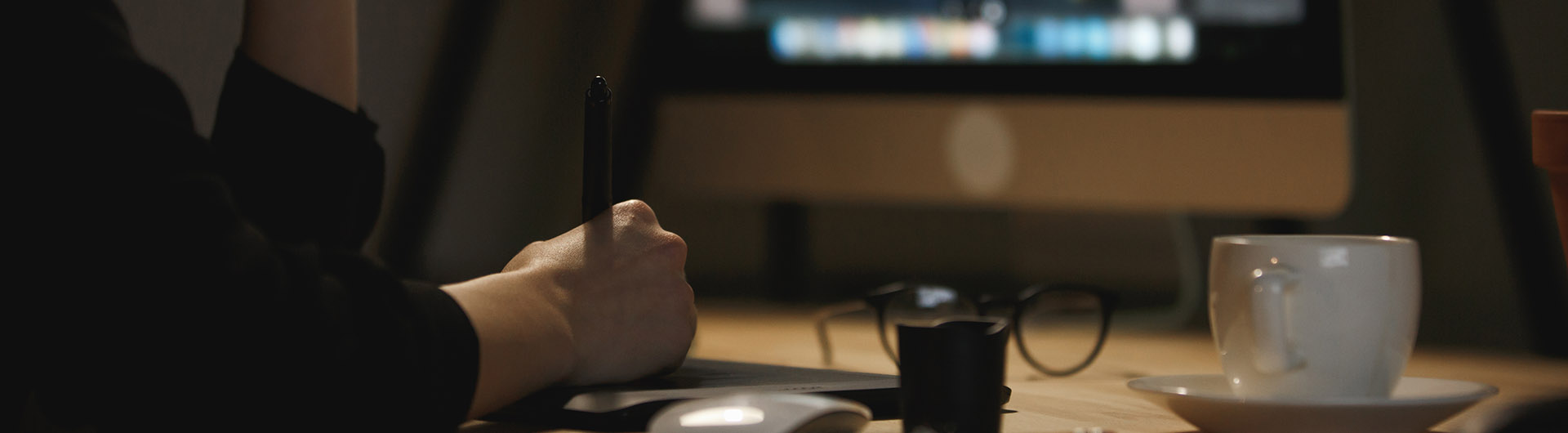
A companion to learning the code: this course is about making a web page that looks good and is easy to read. It covers layout, spacing, choosing colours that work together, and why the most readable pages are usually the simplest ones.
Students redesign a page of their own and can see the difference immediately, which is the most convincing lesson in design there is.
Suitable for Key Stage 3 and a natural follow-on from Build Your First Website.
Requirements
Trusted by Schools & Families
Chosen by families and schools who want their children learning with confidence.
.png)
.png)
.png)
.png)
.png)
.png)
.png)
.png)
FAQ
Check the frequently asked questions about this course.

Curriculum Overview
This course includes 1 modules, 3 lessons, and 0 hours of materials.
Today we are going to learn the basics of creating a good design. This can apply from web design to graphic design in general.
I put together my top 5 tips and tricks to create a good design from scratch.
Chances are you have heard of relative and absolute position in CSS, but did you know there are still three other positions? In this video I will be covering all five CSS positions (static, relative, absolute, fixed, and sticky) .
Learn more about Intermediate CSS features like CSS Grid, Flexbox, and custom properties (aka. variables). Kyle, from Web Dev Simplified, will walk through a few Intermediate CSS challenges and discuss some of our favorite CSS tips and tricks.

Camelia Schofield

Course Specifications




Computing & Coding Teacher

Tags

Subscribe to Our Newsletter


Additional Links
Login Register Contact Certificate Validation Become Instructor About Terms and PoliciesContact US


Reply to Comment